 Northwest 3D Homes
Walk through your home before it’s built.
We turn house plans into interactive 3D walkthroughs anyone can open from one link.
- Phone
- Tablet
- Computer
Works on any phone, tablet, or computer.

Builds can take as little as 5 hours.
The same link works on every screen
The walkthrough adjusts to the device that opens it, so everyone gets controls that feel natural.
- On a computer: walk with the keyboard (W, A, S, D or arrow keys) and look around with the mouse. The floor plan and room list stay open beside the view.
- On a phone or tablet: walk with a thumb joystick and drag to look around. Rooms are one tap away.
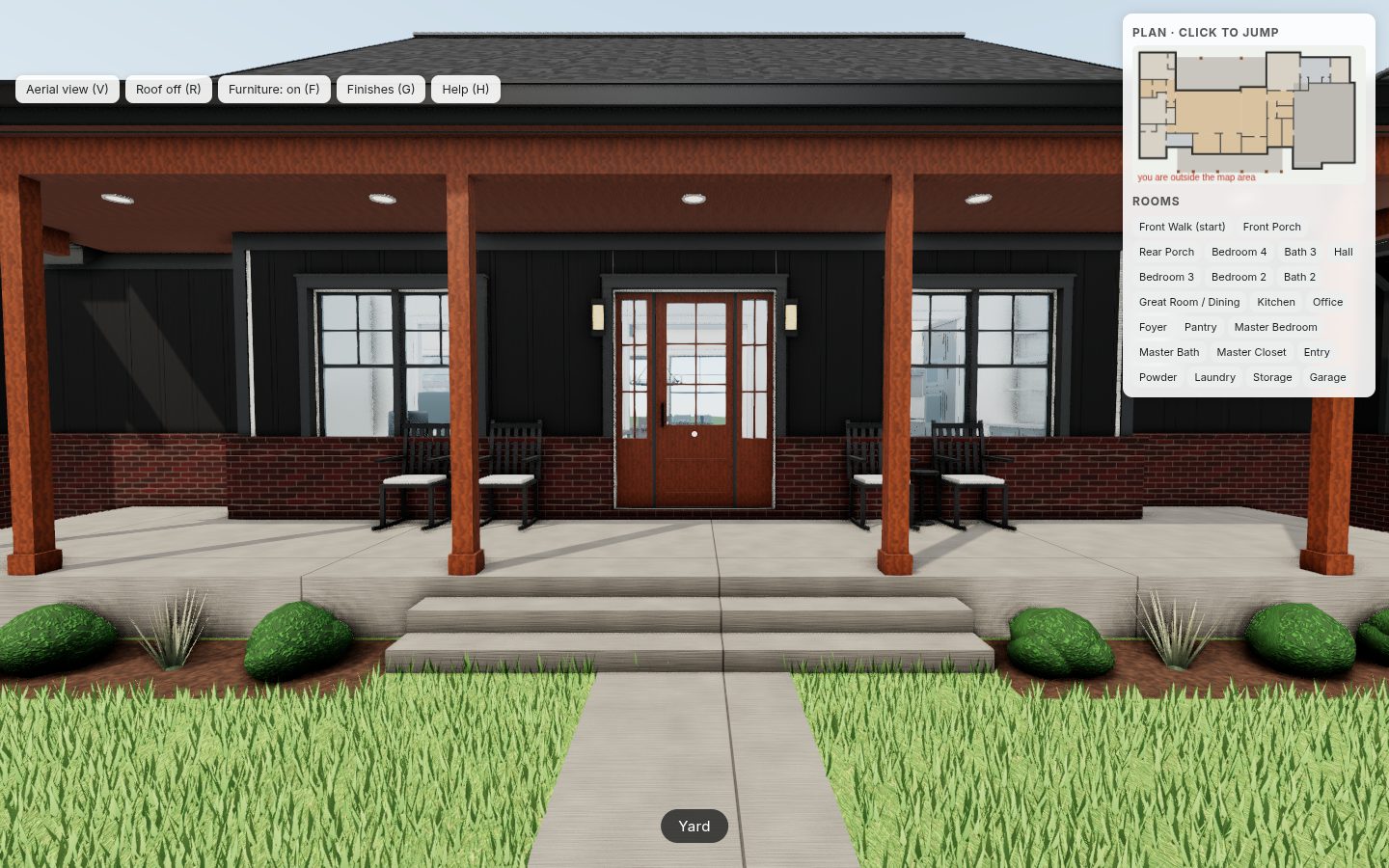
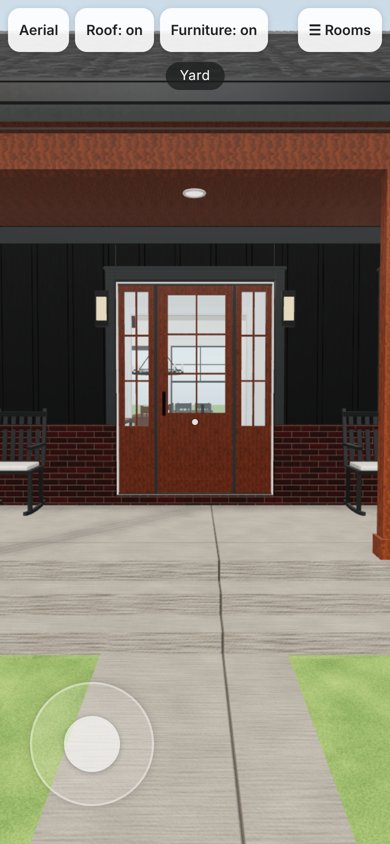
One link. Two ways it pays off.
Know your home before framing starts
- See the real layout while changes are still cheap.
- Catch problems early: tight hallways, awkward doors, small rooms.
- Try room sizes, window spots and the kitchen layout.
- Share one link with your spouse, family or builder.
Pre-sell plans without a model home
- Let buyers tour unbuilt plans any time, from one link they can share.
- Stand out in listings and social posts, beyond flat renderings and PDFs.
- Fewer misunderstandings and change orders, because buyers see it first.
- Fewer showing trips for your sales team.
Three steps from plan to walkthrough
- 1
Order online
Upload scaled PDFs of your floor plan and elevations, add any color picks and check out. It takes a few minutes.
- 2
We review, then build
We review your plans and confirm with you before we start. Then your plan becomes a full 3D walkthrough, with your finishes set as the defaults.
- 3
Share one link
Send it to buyers, family or your builder. It opens on any phone or computer.
More than a rendering
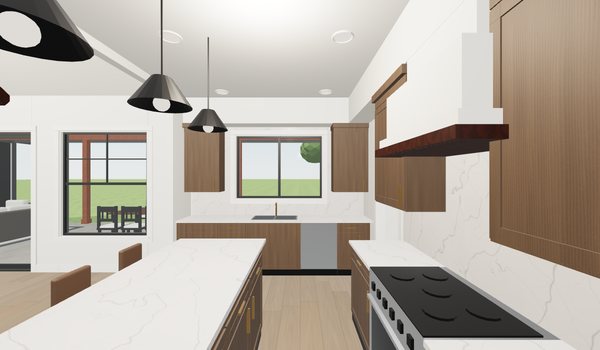
Every walkthrough is a model you can explore, not a video or a still image.
Walk room by room
Move through every room at eye level. Keys and mouse on a computer, a thumb joystick on a phone.
Roof-off dollhouse view
Lift the roof and see the whole layout from above, with every room in context.
Aerial view
Fly up for an outside look at the home, the porch and how it sits on the lot.
Furniture on or off
Show a furnished home, or clear it to judge the real size of each space.
Click-to-jump floor plan
A live floor plan and room list. Tap a room and you are there.
Finishes and paint colors
Try finish swatches and custom paint colors right in the walkthrough.
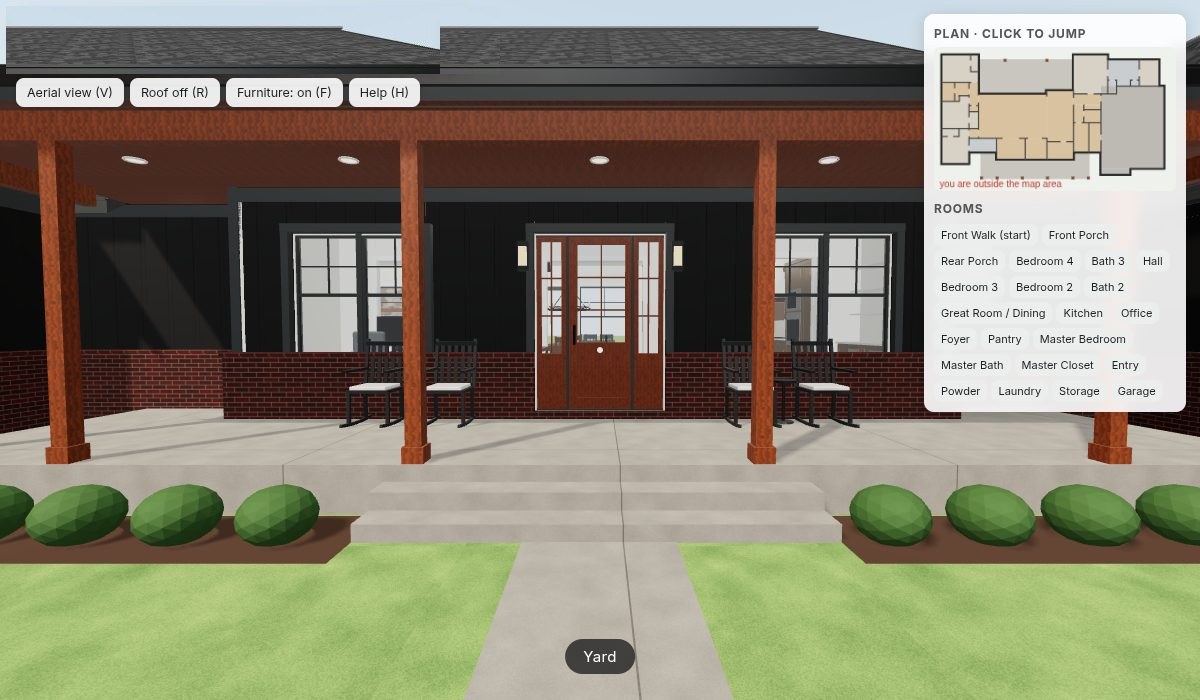
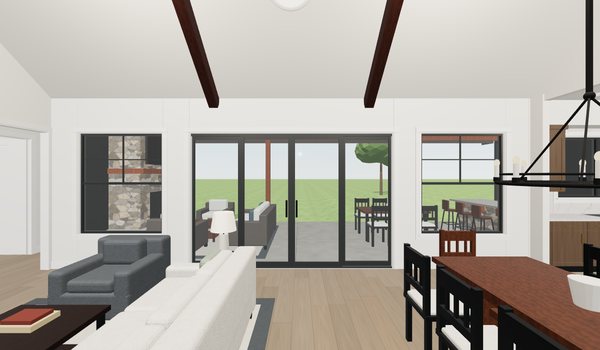
Simple, per-model pricing
Pay once to build each model. Your first model is hosted free, so building one home costs just the build.
- Full interactive walkthrough of your plan
- Your finish and color selections as the defaults
- Aerial, roof-off, furniture and floor plan views
- First 3 revisions per model free
- Your first model is hosted free
Common questions
What do I need to send?
Scaled PDFs of your floor plan and elevations, with the scale noted or dimensions shown. We read the size, rooms and details from your plans. Roof or site plans, photos and color picks are welcome but optional; anything you skip uses the builder’s choice or matches the plan.
Do I need an account to order?
You can order as a guest. After checkout you can set a password to track your model, or create an account later with the same email and your order will show up in it.
How do buyers or family open it?
They tap or click the link and the walkthrough opens in their web browser, on a phone, tablet or computer. You can text it, email it, post it or embed it on your website.
Does it work on phones?
Yes, on phones, tablets and computers. On a phone or tablet you walk with a thumb joystick and look around by dragging. On a computer you use the keyboard and mouse. The same link works on all of them.
Can I put it on my own website?
Yes. Each live model comes with a copy-paste embed code for your website, plus a link you can use in listings, social posts, texts and emails. The walkthrough stays hosted by Northwest 3D Homes while hosting is active; hosting the files somewhere else requires a buyout.
How long does it take?
Most models are completed within 24 hours. Builds take anywhere from 5 hours to 3 days depending on the plan. After you order, we review your plans and confirm the details and timing with you before we start your model.
What does hosting cost?
Your first model is hosted free. Each additional live model is $20 per month. You can stop hosting a model any time, and paid hosting ends at the end of the paid month.
Ready to see your plan in 3D?
Upload your plans and order in a few minutes, or try the live demo now.